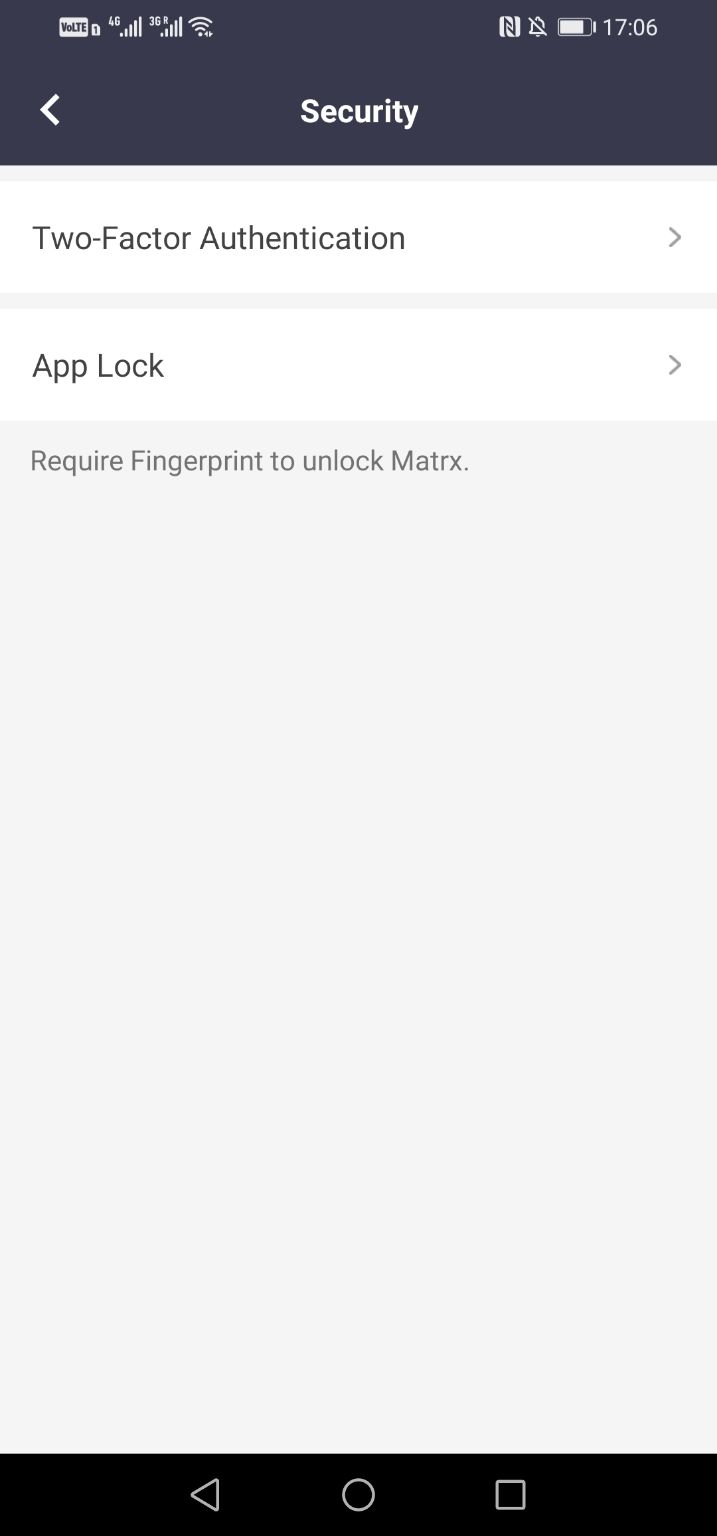
Enable app lock
To make your Matrx more secure, you can enable App Lock to lock your Matrx when you are not on it and unlock it with your fingerprint or face ID.
Prerequisites
- Available on mobile clients
Android and iOS
Matrx uses the Face ID or fingerprint information stored in users' devices to unlock Matrx.
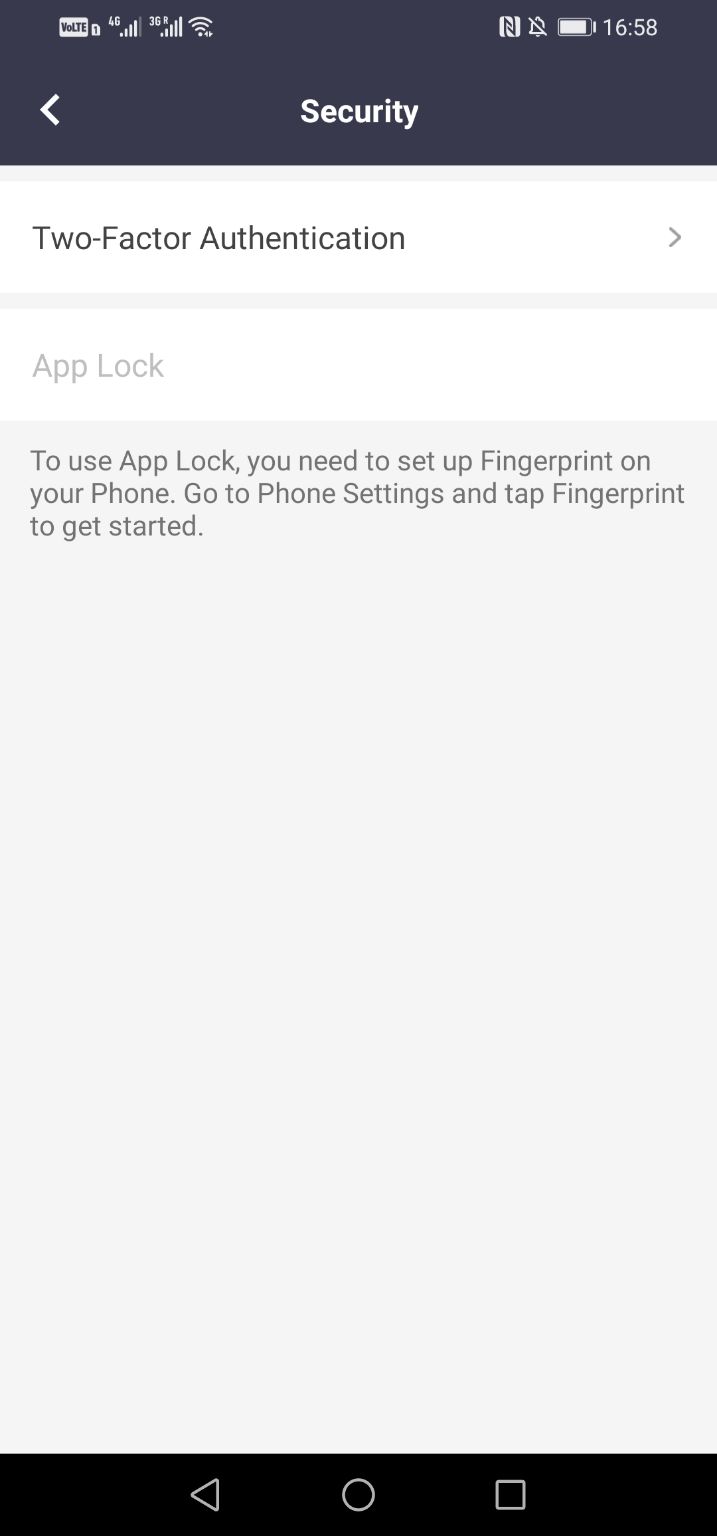
- Go to Settings > Preferences > Security to enable App Lock. To use App Lock, you need to set up fingerprint or Face ID in your phone settings.
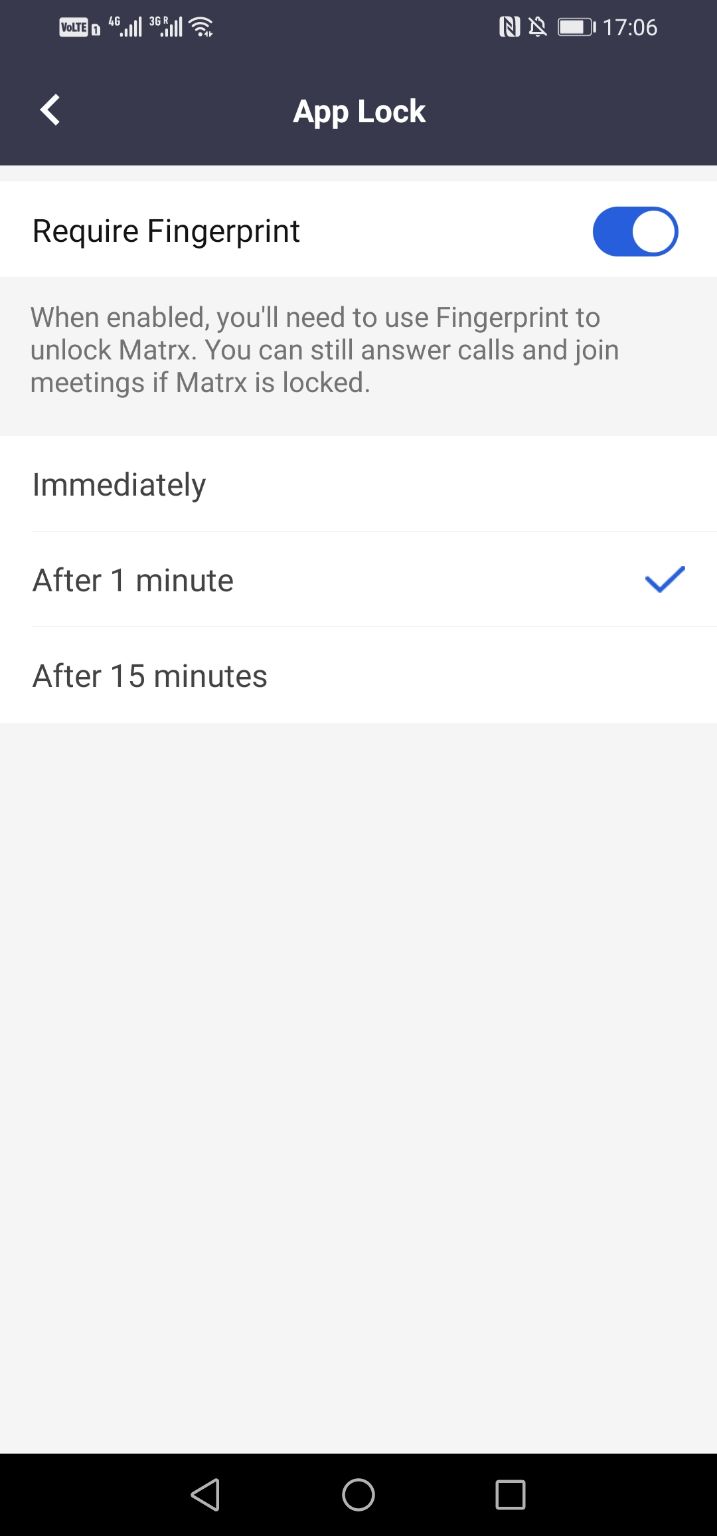
- Tap App Lock and turn Require Fingerprint on. And you also could choose the time interval to use this authentication when you want to unlock Matrx.